
Install AlertCast® PAVER
Everything you need to know to ensure fast, code-compliant installations that last.
AlertCast® PAVER Installation Guide: How to Install Cast-In-Place ADA Warning Panels
Helpful Links
Setting the Panel: Step-by-Step Instructions
Step 1
The physical characteristics of the concrete shall be as specified in the contract documents while maintaining a slump range of 4-7 permit the solid placement of the AlertCast PAVER in the wet cement.
Step 2
The concrete shall be poured and finished level, true and smooth to the required dimensions prior to the placement of the AlertCast PAVER.
Step 3
Installation of the AlertCast PAVER may begin after the concrete has been levelled, but before the concrete is so stiff that it will no longer accept the panel. The AlertCast PAVER is designed for ease of installation and manufactured with large evacuation holes on two sides of the panel for rapid air evacuation.
Step 4
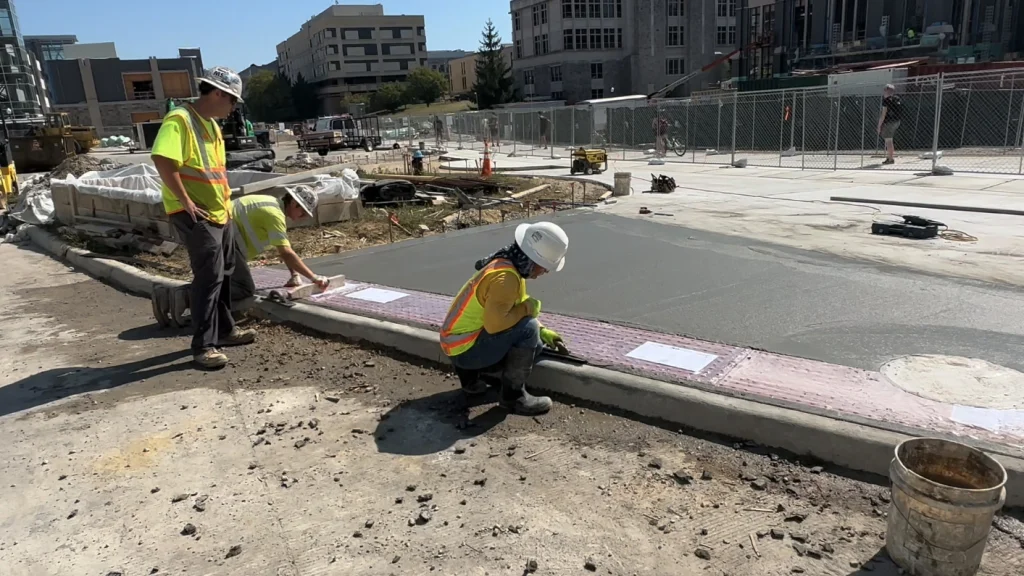
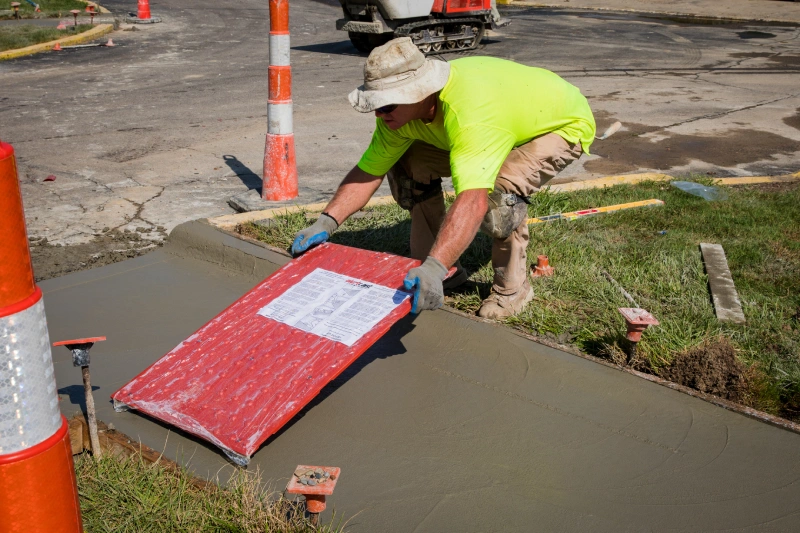
Place the AlertCast PAVER panel in the required location. Simply press into the wet concrete, then using a rubber mallet tap the AlertCast PAVER panel down flush with the level of the adjacent concrete surface. Note: The embedment process shall not be accomplished by stepping on the panel as this may cause uneven setting and potential air voids beneath the panel surface.
Step 5
Once satisfied the AlertCast PAVER panel installation is per code and project drawings, finish the concrete ramps and walks per project finishing specifications. During the concrete curing stage avoid standing on the AlertCast PAVER panel.
Step 6
While the concrete is still workable, and if desired or required by the project, you can create a finished edge expansion joint around the panel perimeter.
Step 7
Once the concrete is cured and ready for pedestrian traffic, remove any protective plastic covering. It may be necessary to cut the plastic with a sharp knife.
Need Submittals, Specs, or Layout Help?
If you’re in the planning phase, we also support your team with everything from CAD files to submittals and job-specific documentation. We speak engineer fluently.